Welcome to Guide
Step 1 :
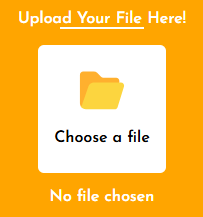
First you need to upload file. So click "Choose a file" to continue...
Step 2 :
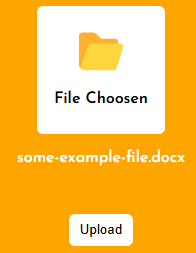
Now you can see the file name here. Now click Upload buttom.
Step 3 :
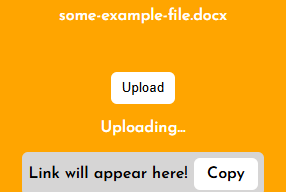
Now the file is uploading...
Step 4 :
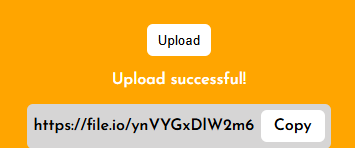
Now the file upload is successful, so click "Copy" to copy the link.
Step 5 :
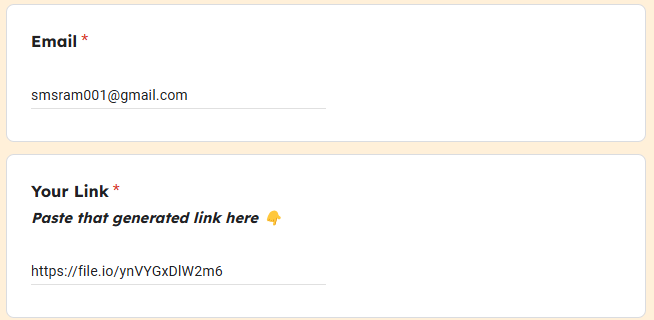
Now scroll the screen to see a form. Enter your "Email" and paste the copied link in "Your Link".
Step 6 :
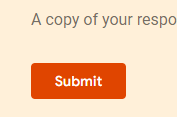
After completing the details, just click submit. Close the website is optimal.
Step 7 :
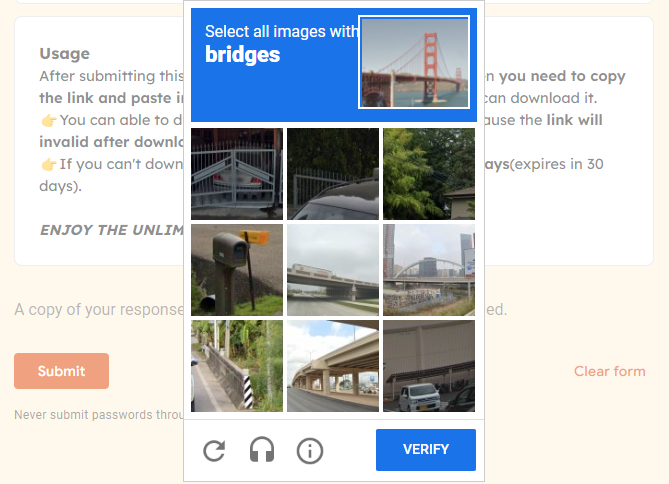
Some times it asks human verification, select and verify it then you will get a mail to your Email.
Step 8 :
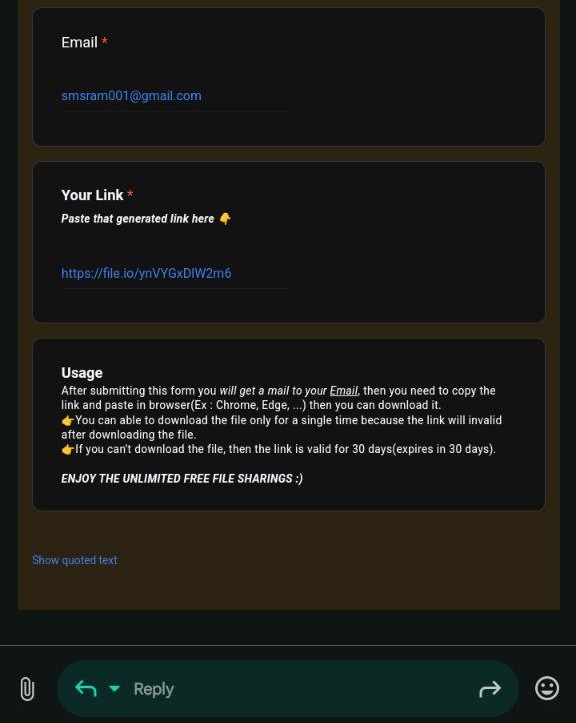
Now open your Email and click the link to open in browser.
Step 9 :
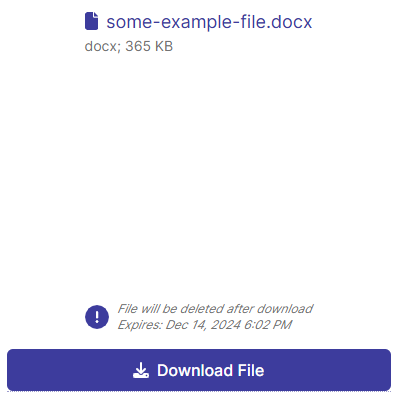
After clicking the link a website will open in your browser. Click "Download File" button to download your file. But if you click the download then the link will invalid beacuse the link will works only one time.